 Call (909) 365-5950
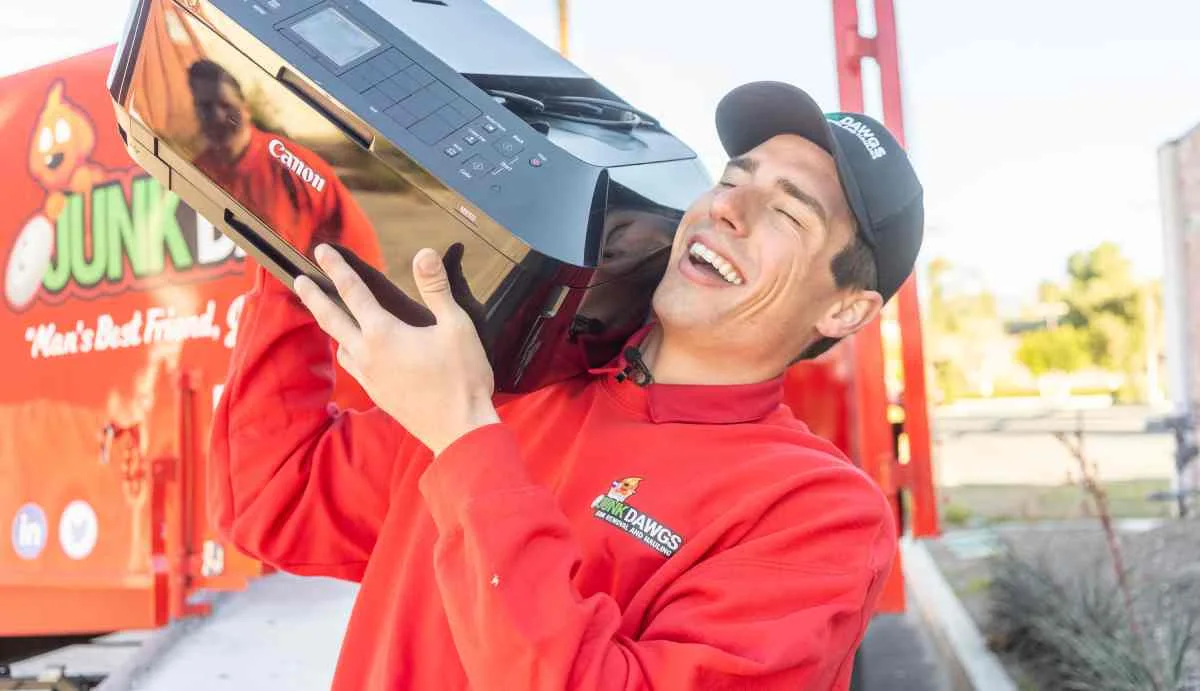
Before electronics leave your control, save what you need, sign out of accounts, erase storage, remove loose batteries, and make a simple device inventory. California treats many unwanted electronics as universal waste, so the trash bin is not the right destination.
Protect your information first
The Federal Trade Commission recommends backing up important files and erasing a computer’s hard drive before disposal. For phones and tablets, use the manufacturer’s reset instructions after signing out of accounts and removing activation locks. A factory reset is not a substitute for checking that photos, documents, browser data, and authenticator access have moved safely.
- Inventory. List each computer, phone, tablet, drive, printer, and display.
- Back up. Open a sample of the copied files before erasing the original device.
- Sign out and reset. Remove account access and follow the manufacturer’s erase process.
- Separate accessories. Bundle chargers and cables; isolate swollen or damaged batteries and ask the receiving program for instructions.
- Record the handoff. Businesses should keep whatever disposition records their own policy requires.
Know what California calls e-waste
California’s Department of Toxic Substances Control describes unwanted electronic devices and cathode-ray tubes as e-waste and notes that the category can include televisions, monitors, laptops, tablets, computers, printers, phones, and other devices. Covered electronic devices cannot go in household trash. Acceptance still varies by collector, especially for batteries, damaged equipment, medical devices, and business quantities.
A quick route decision
| Device condition | Consider | Ask |
|---|---|---|
| Working and current | Reuse or manufacturer trade-in | How data is handled and whether accessories are wanted |
| Broken display or computer | Approved e-waste collector | Whether the exact device and quantity are accepted |
| Swollen or damaged battery | Local hazardous-waste guidance | Packaging, transport, and drop-off instructions |
| Business equipment | Collector familiar with business loads | Documentation, data policy, and handling limits |
For a home or office pickup, see Junk Dawgs’ electronics recycling service. Describe the devices and any damaged batteries before the crew arrives so acceptance can be confirmed.
Sources
- California DTSC: Electronic Hazardous Waste — definitions, examples, and disposal routes. Retrieved October 17, 2026. California.
- FTC Consumer Advice: Remove Personal Information Before Disposing of a Computer. Retrieved October 17, 2026. United States.